
01 · TRANSCRIBE
Hear it. Read it. Correct it.
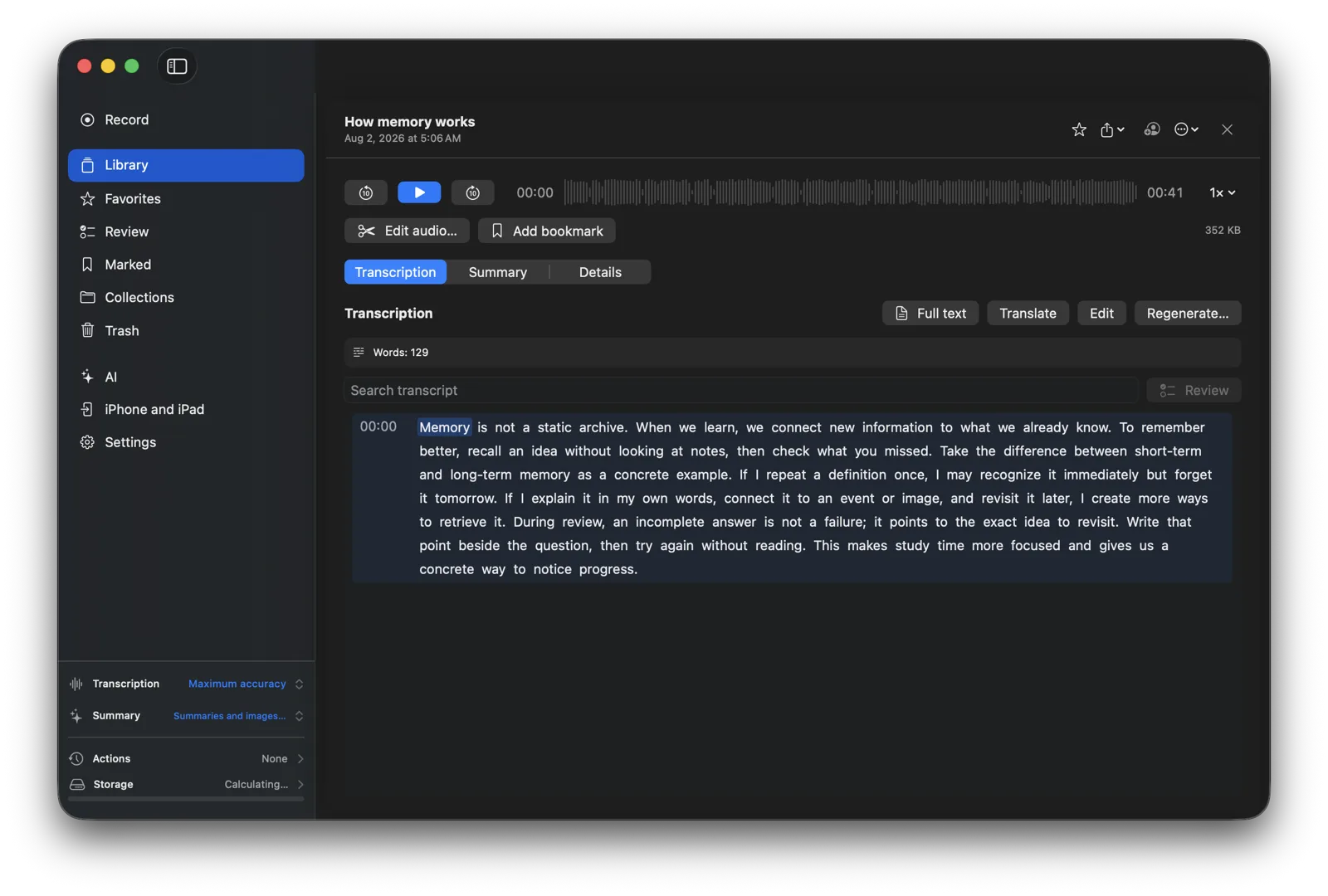
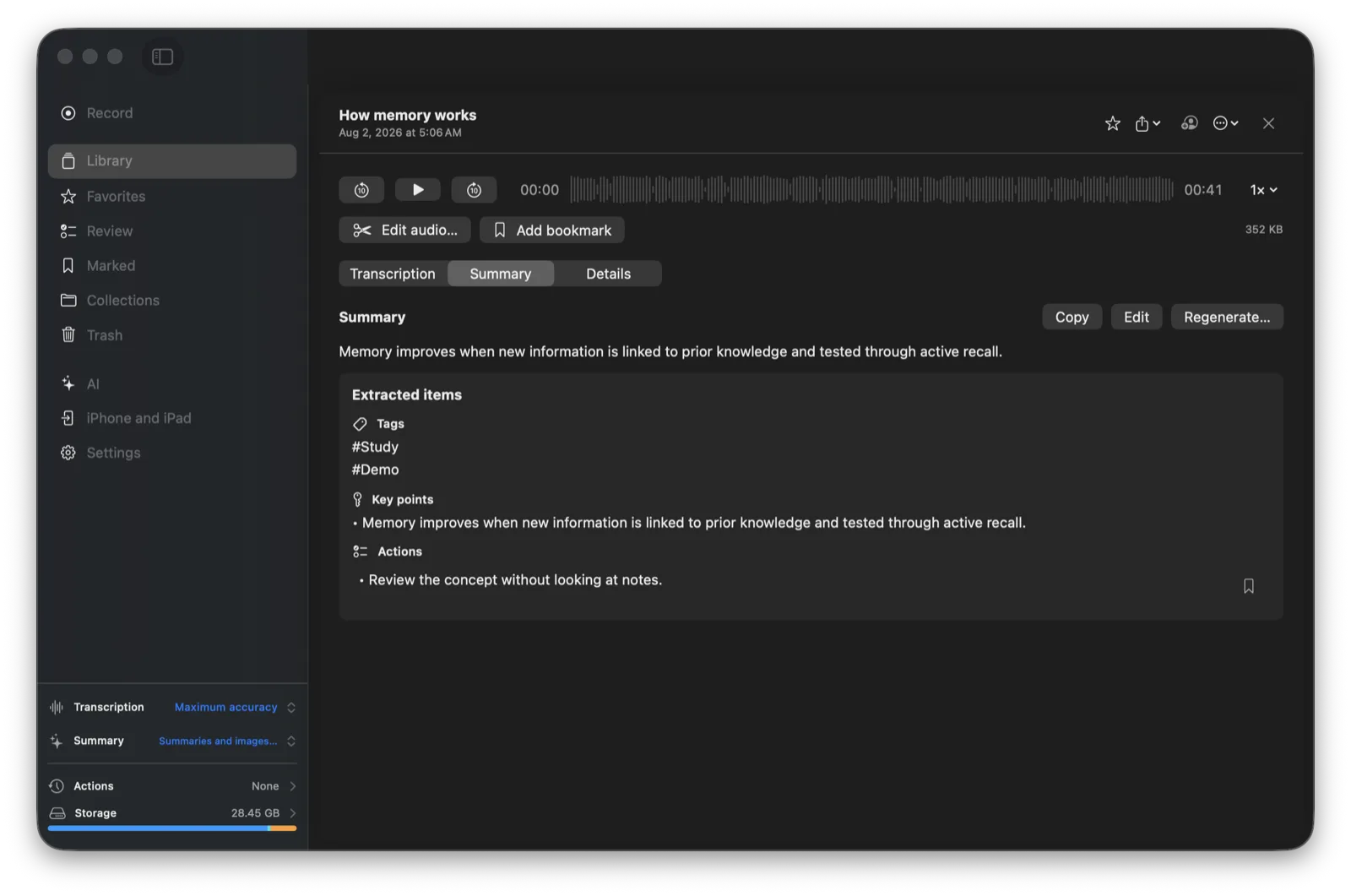
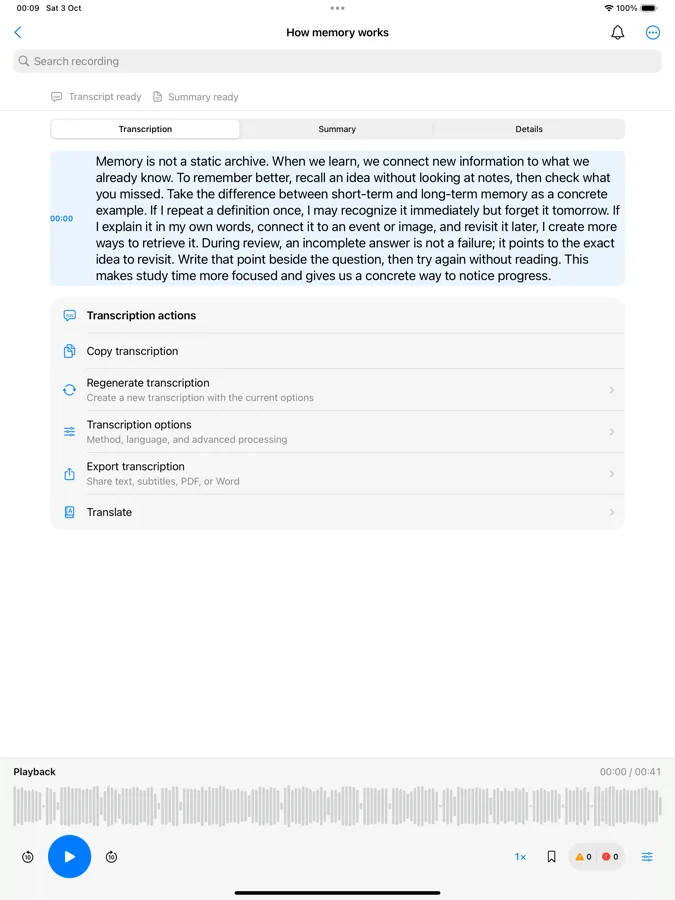
Turn speech into an editable transcript, jump back to the audio and bookmark the parts worth keeping. Search your library instead of scrubbing for a sentence.
THE RECORDING COMPANION
Capture a thought, meeting or lesson. Memento turns the recording into words, useful takeaways and a place you can return to—on Mac, iPhone and iPad.
In development for macOS 15+ and iOS / iPadOS 18+. Screens show synthetic demo content.
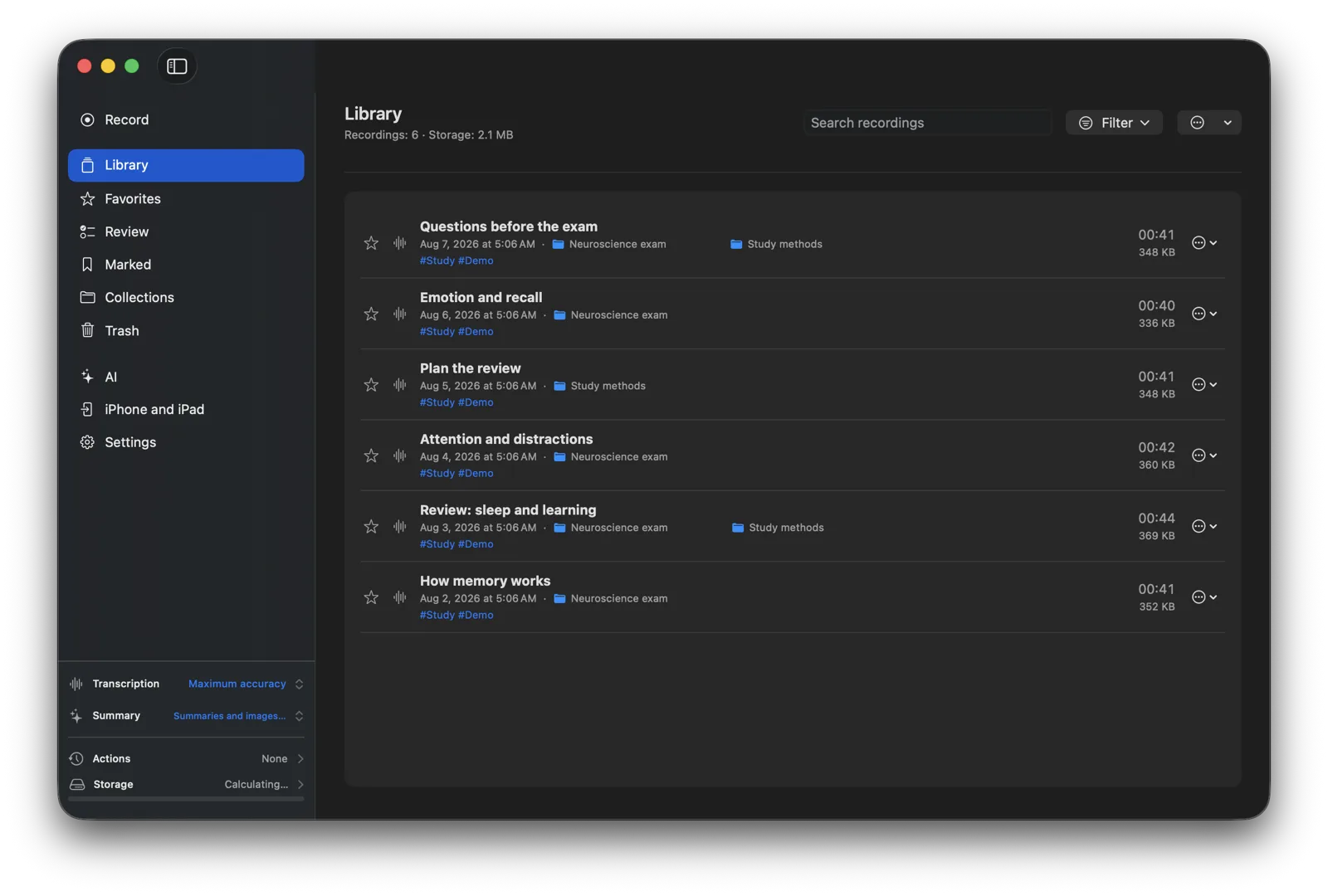
One library. Every recording within reach.
Record or import the moment.
Transcribe, summarize and review.
Find the source when it matters.
A CLEARER WAY THROUGH AUDIO
Start with the recording. Memento helps you move from sound to an editable transcript, a concise summary and answers linked back to their sources.
Turn speech into an editable transcript, jump back to the audio and bookmark the parts worth keeping. Search your library instead of scrubbing for a sentence.
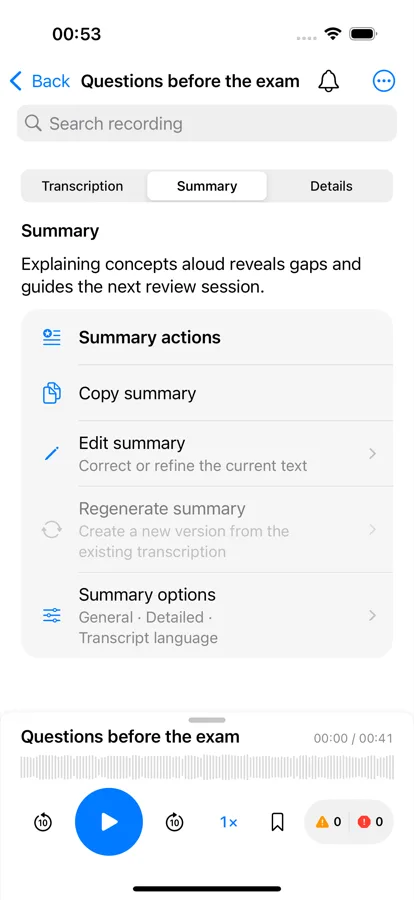
Build summaries, key points, tags and actions. Edit the result and return to the recording behind it.
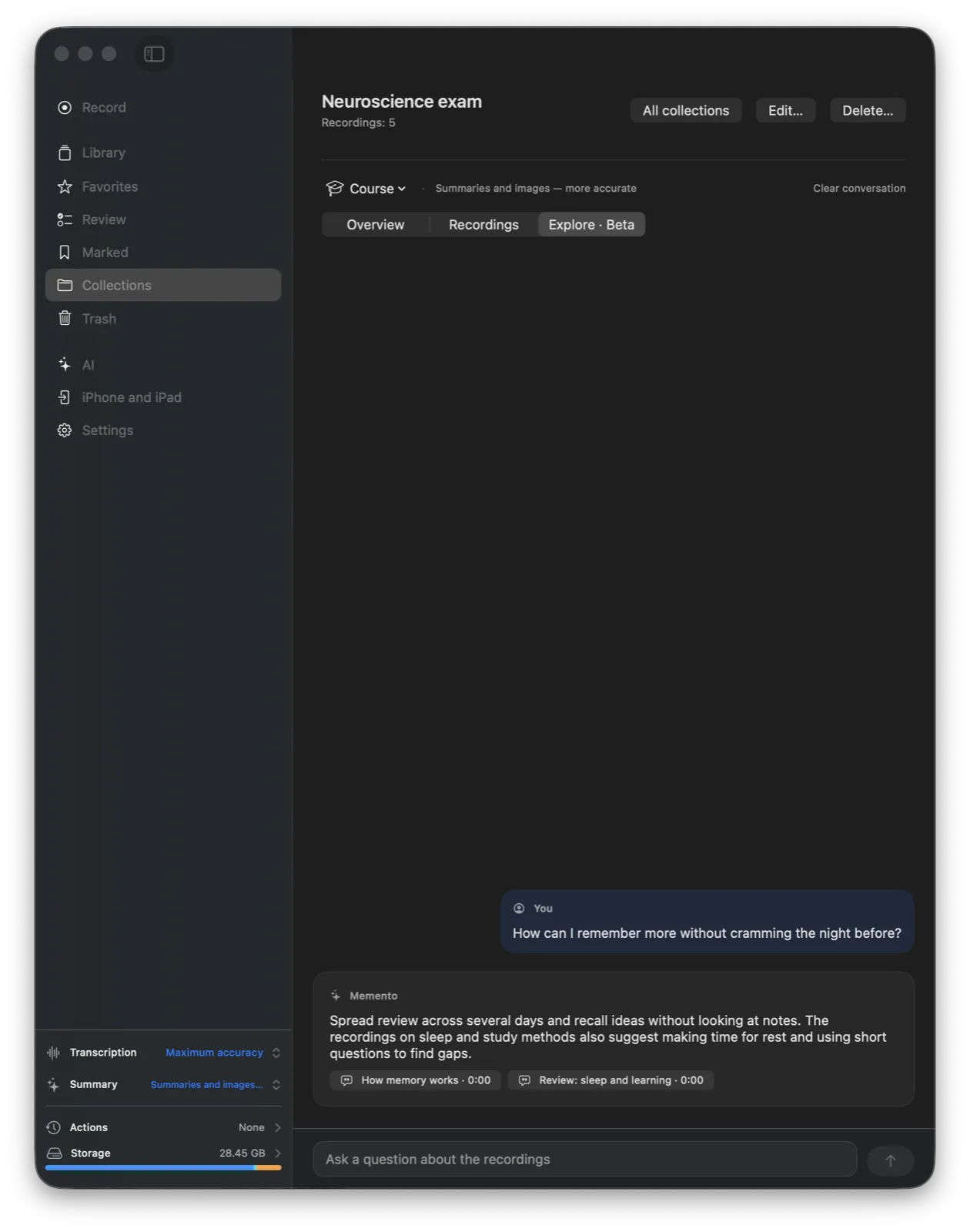
Group related recordings, explore shared context and follow source links behind an answer.
MEMENTO FOR MAC
Record a selected screen or window, microphone and system audio. Capture a presentation, walkthrough or a call in an app such as Microsoft Teams, then review its transcript alongside the original session.
Call capture depends on the app, audio route and macOS permissions. Obtain consent where required.
WITH YOU THROUGH THE DAY
Record with the microphone on iPhone or iPad, pause and resume, or import audio from Files and the Share Sheet. Read, correct and organize when you're ready.
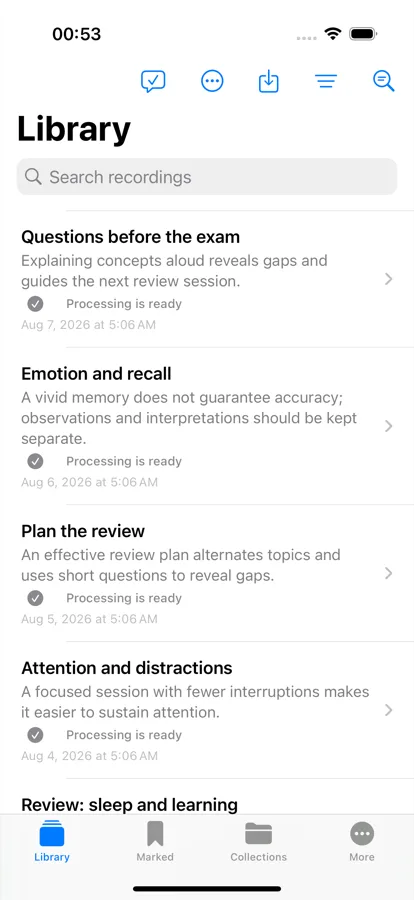
Widgets, controls and Live Activity show essential recording status. Bookmarks, collections and favorites keep important sessions easy to revisit.
INTELLIGENCE ON YOUR TERMS
Choose an on-device speech or AI workflow, install an optional model when needed, and process locally where your device supports it. A missing local model does not silently send a recording to a remote provider.
Understand the data choicesPaired Mac relay, iCloud sync of derived results and AI providers configured on Mac can use a network connection when you choose them.
THE DETAILS THAT ADD UP
Collections, tags, favorites, search and filters give related recordings a place.
Correct transcripts, mark key moments and trace a result back to its source audio.
Use supported translation workflows and export transcripts, reports or subtitles in available formats.
Choose what to export. Restore recordings from Trash until you remove them permanently.
Optional paired Mac relay and iCloud sync for derived results have separate controls.
Use supported local models, or explicitly configure a provider on Mac for another workflow.
A FEW USEFUL ANSWERS
No account is required for the local library and recording features.
Local processing depends on a supported device, language and installed model. Model downloads require internet. Optional relay, iCloud result sync and remote AI providers use the network when selected.
On Mac, it can capture a selected screen or window with system and microphone audio when the audio route and macOS permissions allow it. It does not integrate with Teams or bypass its controls. Follow your organization's rules and obtain consent when required.
No. Optional iCloud sync covers derived results from the relay workflow, not a complete audio library.
MEMENTO
From the first recording to the insight you needed, keep the context connected.
Ask about availability